
Searching Cases by Name
Name searches for Greene County run through Missouri Case.net. Pick the 31st Judicial Circuit first. Then type a last name and first name. Add case-type or year filters if they help, and hit Find. Per Greene County Sheriff instructions, open the highlighted case number and go to Docket Entries. One caution: names get misspelled, shortened, reindexed, or changed. An exact case number beats a name whenever you have one.
- Open Case.net and choose Litigant Name Search.
- Select the 31st Judicial Circuit before entering a Greene County name.
- Add available first-name, case-type, year, or alias information without assuming a narrow filter is complete.
- Open the matching highlighted case and read the case header and Docket Entries together.
| Field label | Type | Required | Greene County use |
|---|---|---|---|
| Search for cases in | Dropdown | Choose 31st Judicial Circuit | Limits a local search to Greene County’s circuit. |
| Last name | Text | For a person search | Start with a likely spelling. |
| First and middle name | Text | No | Helps separate similar public results. |
| Case type and year filed | Filter | No | Use only when known; a wrong filter can hide a match. |
| Include Alias Information | Checkbox | No | Useful when the public record has an indexed alias. |
Greene County Case.net Modes
Case.net offers several routes into a Greene County docket. The menu includes Litigant Name Search, Filing Date Search, Case Number Search, Scheduled Hearing Search, Judgment Index, Pay By Web, Judicial Calendar, and Court Calendar. Each mode answers a different question. Two need special care. Pay By Web handles payments but does not substitute for reading the court record, and the calendar views skip the full history you get in Docket Entries. For a plain entry point, Greene County's search-for-case-records page sends the public straight to the state system.
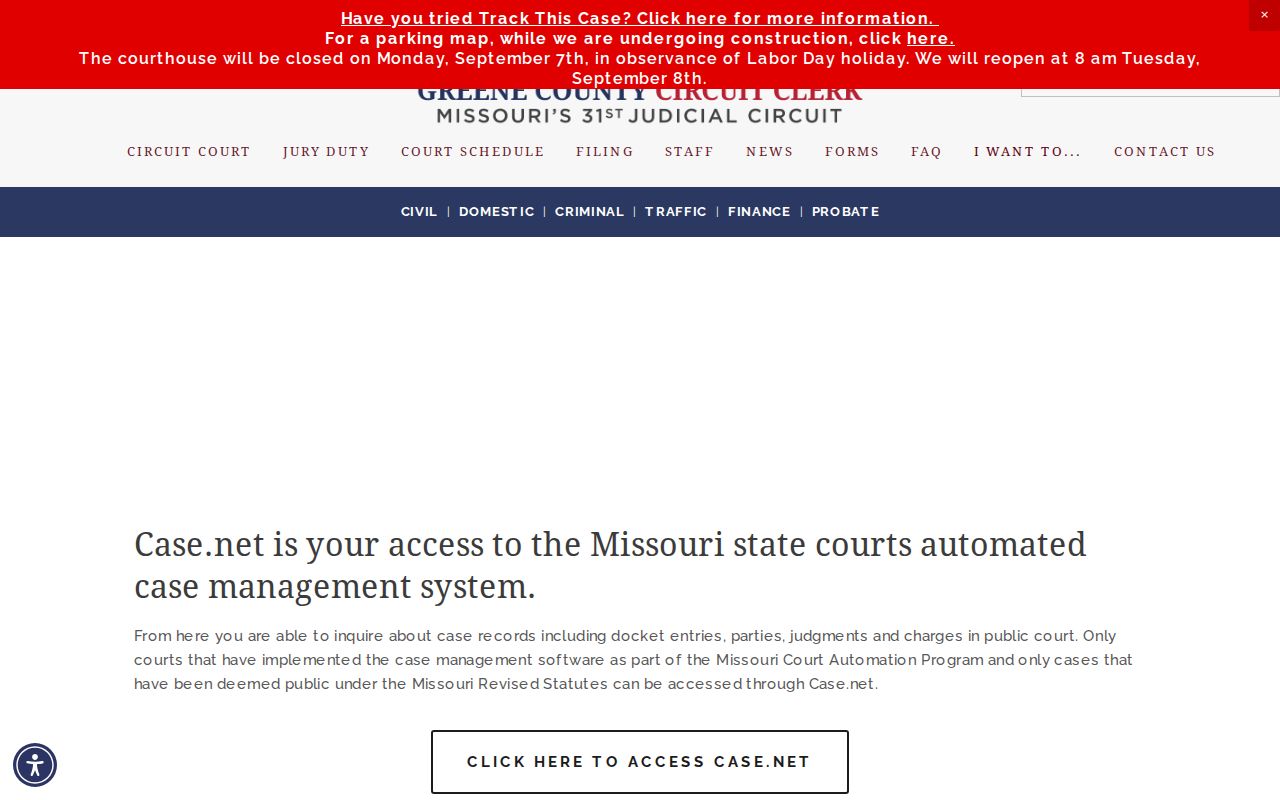
The local explanation connects the county clerk’s public-record role with Case.net’s statewide search interface.
Greene County Case Search Availability
Case.net sometimes blocks a session. An access-denied screen is not proof that a case or record is missing. It just means the page did not load. Missouri tells users to rely on the live public interface. Check the current dropdown choices and any maintenance notices in a browser before trusting a specific label. When the statewide docket search is down, you still have local options. The Greene County Circuit Clerk and the public terminal at the courthouse can both answer court-record questions for Greene County. The case lookup will come back online in time.
Searching by Case Number
Case Number Search wins. Use it when a notice, citation, order, or old copy gives you the exact number. Choose the court. Enter the case number or the alternate OCN and select Find. Case.net accepts the OCN in that number-search path. Copy the punctuation and sequence exactly as the court record shows it. Missouri numbers carry category codes, but no Greene County sample number belongs here. Local Rule 3.3 lists codes such as CR for criminal, TR for traffic, MU for municipal ordinance, CC for circuit civil, and AC for associate civil. Those codes help you read a number Case.net returns. The displayed case number is always the authoritative format.
Greene County Case Search Terms
Each layer of Case.net serves its own purpose. The case style is the public caption. The case header gives the number, style, court or division, filing date, and type. Each field appears where public. A docket entry marks one chronological event, like a filing, order, setting, payment, or disposition. Keep this in mind: the entry is not necessarily the document itself.
- OCN
- An alternate identifier accepted in Case.net’s case-number search.
- ECASE
- The File Viewer label for an electronic case record with no paper file.
- Docket Entries
- The chronological record of public case events.
- Judgment Index
- A separate Case.net search path that can answer a different question from the case docket.
Greene County’s court definitions page gives additional plain-language help for local court vocabulary.
What a Case Search Returns
Open a public result. The case detail splits into identity, events, and available documents. A public record can show the case style. It can show the filing date, type, parties and attorneys, charges or judgments, docket entries, and any open balance the system exposes. Match the result against the court and filing details before treating it as your case. A single short entry rarely carries the full procedural history.
| Case number | The exact Case.net identifier used to reopen the public record. |
|---|---|
| Case style | The public caption, which may use abbreviations or an indexed spelling. |
| Court and division | The 31st Judicial Circuit location and assignment shown for the case. |
| Case type and filed date | Fields that distinguish a result from similarly named cases. |
| Docket entries | Chronological filings, settings, orders, payments, and dispositions. |
| Document link | An available electronic attachment, subject to public-access rules. |
Greene County Case File Viewer Access
The Case.net file viewer may show a blue case-number and style bar. It may also offer categories, date sorting, document selection, and print or download controls. Official help lists a reported 60 MB maximum on selected downloads. A linked docket entry can carry a public attachment. A non-hyperlinked entry may mean no attachment exists. Or it may mean the attachment is closed to that user. Either way, it does not prove the whole case is confidential. Missouri File Viewer Help walks through the ECASE and document-viewer features.
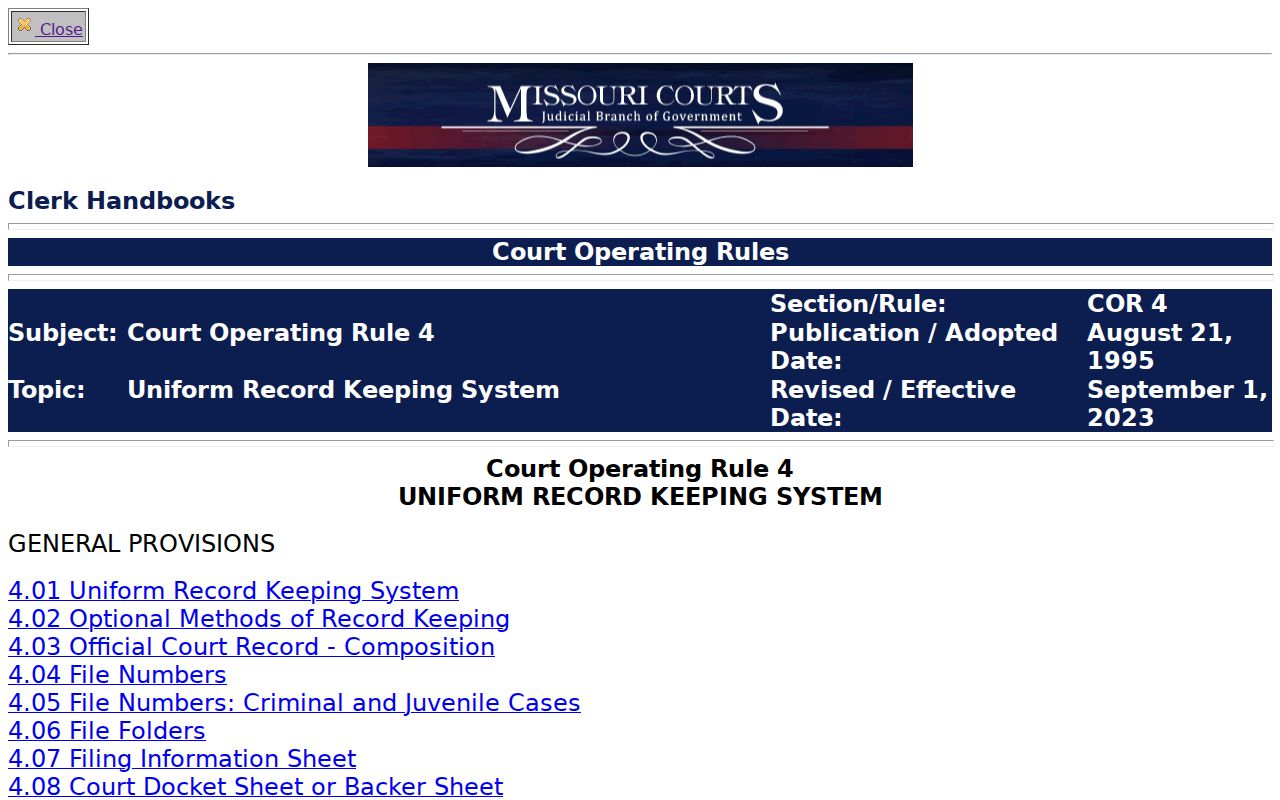
Operating Rule 4 sets the statewide framework. It governs automated court records and the public-access limits behind any Greene County search result.
Statewide vs County Case Search
Greene County runs no separate public case database for the circuit court. Its local search page points to Missouri Case.net. The statewide portal and the local access point work as one. When a public search needs follow-up, the county clerk handles the counter, public terminal, copy requests, and case-type contacts. The practical move is to narrow results in Case.net with a county or circuit selection. Then lean on clerk access for copies or procedural questions.
| Route | Coverage | Best use |
|---|---|---|
| Case.net | Participating Missouri courts and public cases | Name, number, filing-date, judgment, and setting searches. |
| Greene County Circuit Clerk | 31st Judicial Circuit records and service routes | Public terminal, file copy, certification, and local routing. |
| Missouri eFiling | Registered filing access | Electronic filings by authorized users, not ordinary public searching. |
Greene County Case Search Coverage
Coverage has limits. Greene County says newer civil and domestic matters generally reach 2008 to present through its automated system, while criminal and traffic generally reach 2006 to present. Treat those as starting points. An older file may still exist. For pre-automation records, the clerk, the public terminal, and county archives stay in play; County Archives is listed at 417-868-4021 for historic research questions. When a result does not appear, retry. Use an exact case number and a different name spelling. Try another case-type filter and the correct circuit. Then ask the clerk which request route or archive contact fits the record's age and type. A failed query is never a conclusion about a person or case.
Greene County Case Search Clerk Route
A clerk request beats an online docket search in three situations. You want a copy rather than a docket entry. The file is older and outside automated coverage. Or the paper simply is not shown remotely. Give the clerk what she needs to pull it fast. That means a case number or party and style. Include the papers you want and a date range. Say whether you need certification, how you want delivery, and your contact information. Greene County makes this easy with a records request form and a records email. Courthouse terminals can also reach more public electronic material than a remote session allows.
Access and Restricted Cases
Missouri Operating Rule 4 opens court records to public search. You can search by name, case number, or filing date, within its access limits. Name searches hide protected parties. Victims, witnesses, and children fall in that group. Searching by case number works well when you already have the number. Still, it does not unlock anything a court has sealed off. Juvenile, mental-health, sealed, and expunged matters follow their own rules.
RSMo §211.321 is the main caution for juvenile records in Missouri. Greene County also posts a remote-access notice. It says certain public documents filed on or after July 1, 2023 may be viewable from home. Older docket data may still point you to a clerk. It may point to a courthouse terminal or a copy request instead.
Juvenile files get separate access rules. The Missouri juvenile-records access statute spells them out.
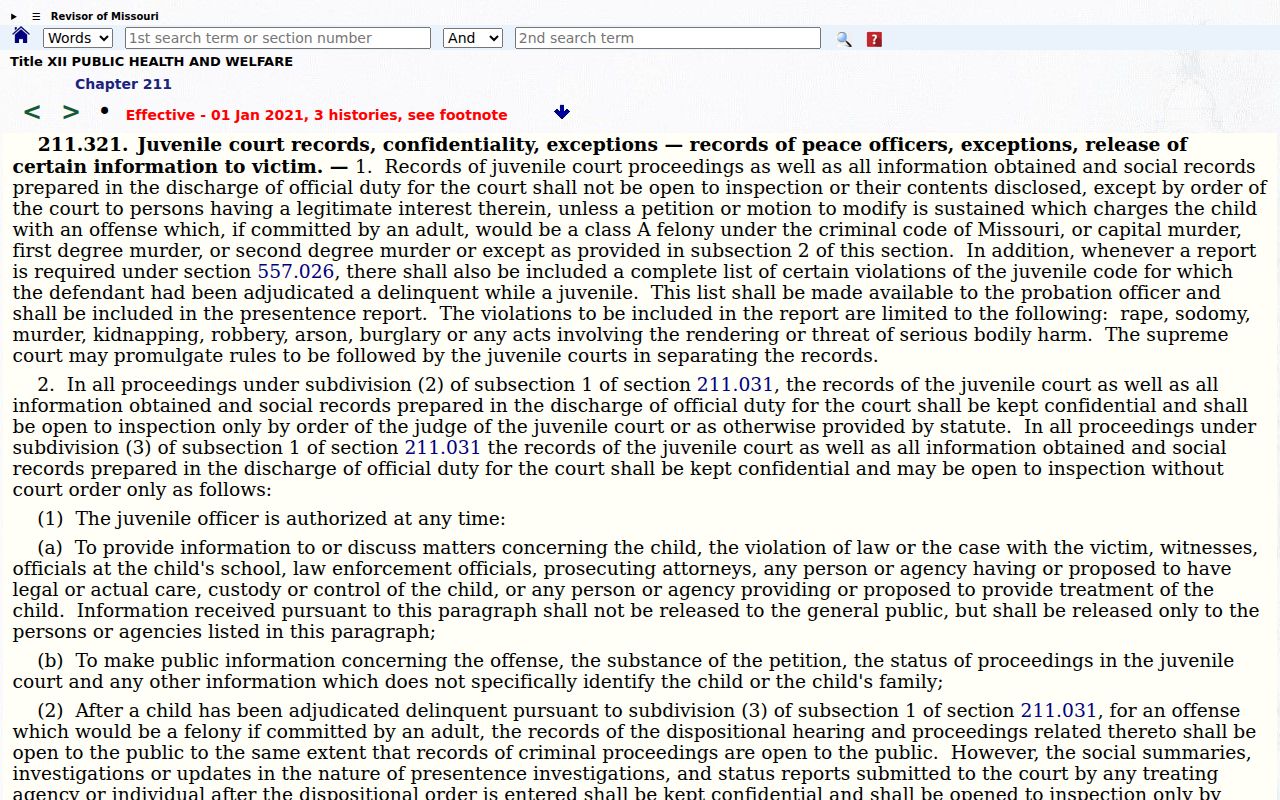
Note: Restricted juvenile access is a legal exception. No broader name search can fill that gap, so plan on a clerk instead.
Greene County Case Search Fallbacks
Case.net goes down sometimes, and some documents stay out of remote reach. Greene County's remote public access notice draws the line. Some things you can view from home. Others may sit at a courthouse public terminal. When in doubt, call. The Greene County Circuit Clerk can route you to records, a case-type unit, or a division clerk. A blank result does not mean the case does not exist; use the county's request form, mail, counter, or records email for a copy instead. Remember that a docket result, a public document link, and a certified copy are different products with different routes to each.
Greene County Case Search Result Review
Read a public Greene County case result in layers. Start by matching the number, the style, and the court. Then check the filing date and the case type. Then move to the newest docket entries, plus any judgment or disposition on file. Last, ask what you actually need: a visible public document, a courthouse-terminal item, or a clerk copy request. Working in that order keeps you honest. It protects you from mistaking a similarly named case, an old setting, or a thin docket entry for the full court record. Case.net locates and displays public court information well. Still, the court and the clerk remain the originating sources for a current notice, a certified copy, or any access question tied to a record's security status.